Home & work
Compare an hourly shift with your pay statement
EarnCheck: Shift & Pay Tracker · Record the shift you actually worked, including unpaid breaks, and compare the hours with your pay stub.
Download price at last check: U.S. US$2.99 · Canada CA$3.99. Check the App Store for current pricing and available purchases.
Comparing a full pay period? Check up to 40 clock and payroll entries side by side.
Requires iOS 18.0 or later. U.S. version 1.1.1 · Store details checked .
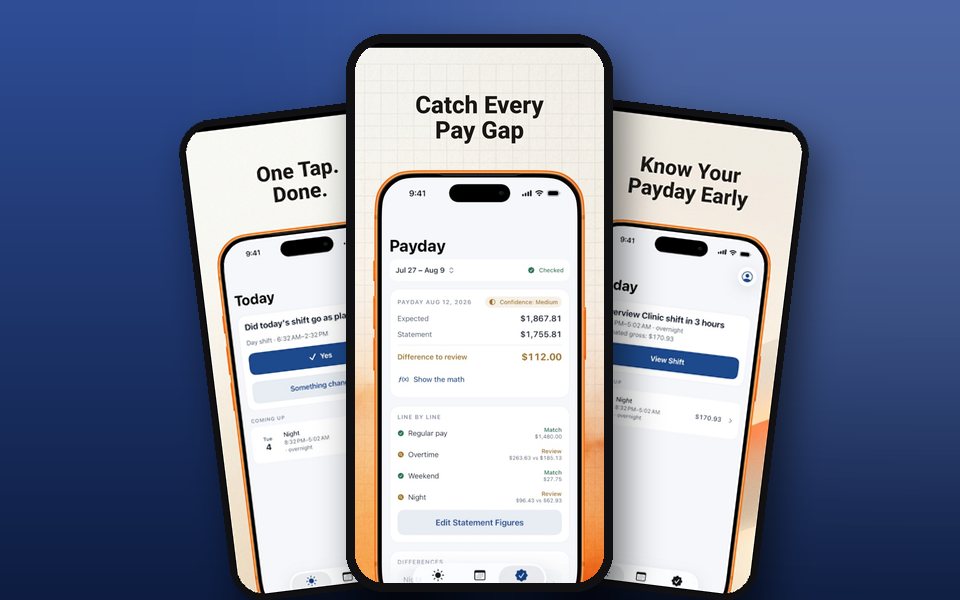
12-second app preview
The shift ended after midnight.
Record the start, finish and breaks. Use EarnCheck to check the hours you recorded.
Silent preview using a real App Store screenshot.
View EarnCheck on the App StoreTry this first
Record a 9:00–17:00 shift with a 30-minute unpaid break. That is 7 hours 30 minutes before adjustments. Compare your timed entry with the regular-hours line on the statement.
Free browser practice: Overnight shifts and timesheet mathWho it suits
Choose EarnCheck to maintain your own shift record. Follow workplace rules and verify rates and deductions separately.
View EarnCheck on the App StoreSend someone this example
Share the first-use guide, including the free browser example.
Try BookingSolved next
Put client appointments and confirmations into a calendar when you schedule your own work.
See BookingSolved and its first stepsTry another free browser activity
Match the app to your goal
Choose what to check before your next payday
Try a related challenge
See it in use
- Shift Sleuth · Playable on SlowDen
- Do the paid hours match your shifts? · Interactive example
- Shift differential pay calculator · Interactive example