Listen · Independent work
The repair quote with one missing line
Price a two-hour repair, check the forgotten materials and choose a useful next step before sending the estimate.
Listen to the exercise
Original script with synthesized narration by Honest Little Apps.
Transcript
Small Practice Sessions, by Honest Little Apps. Today you have a two hour repair. You charge fifty five dollars an hour, and the materials cost sixty eight dollars. What is the subtotal before tax?
Now the supplier adds a separate thirteen dollar hardware pack. What do you change on the estimate? Pause here and write the new line before looking at the total.
Two hours of labour come to one hundred ten dollars. Add sixty eight dollars in materials for one hundred seventy eight. The hardware pack brings it to one hundred ninety one dollars. Keep the new item on its own line, and ask the customer to confirm the change before buying it.
Try it with a different rate. Then see the worksheet beside this episode. Honest Little Apps publishes ScopeBid for estimates and invoices, along with the other tools listed in the notes.
Takeaway Two hours × $55 + $68 = $178. A separate $13 hardware line brings the subtotal to $191. Keep the customer’s confirmation alongside the estimate.
Related iPhone apps
ScopeBid: Estimate & Invoice
ScopeBid combines estimating and invoicing with job-cost information. Choose it when you price your own work and want to inspect the effect of a discount. Enter the relevant direct costs before comparing the original quote with a lower price.
View ScopeBid: Estimate & Invoice on the App Store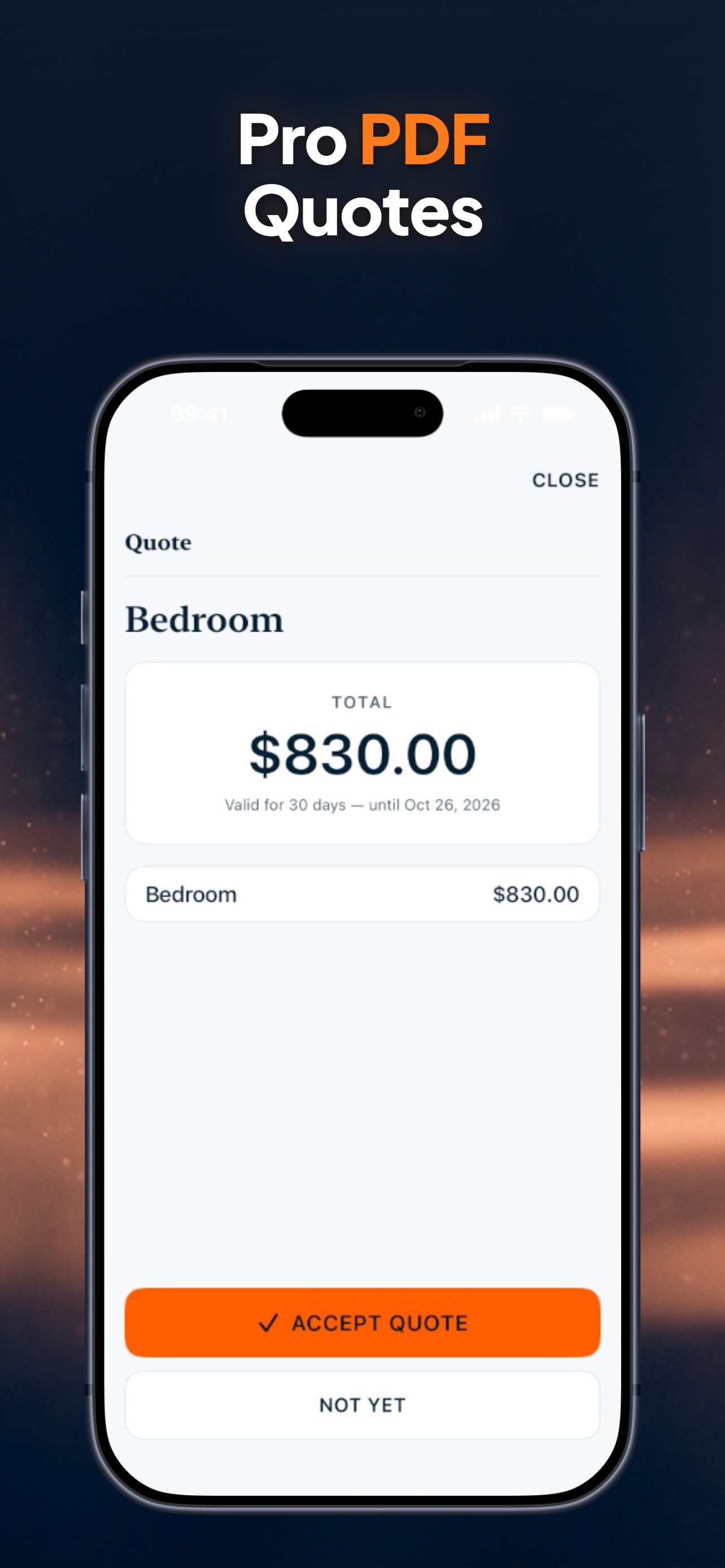
EarnCheck: Shift & Pay Tracker
EarnCheck is for recording work hours and reviewing estimated pay. Choose it when you want a record alongside the employer’s figures. Use a completed shift with known breaks, then compare like-for-like gross amounts and identify the entries behind a difference.
View EarnCheck: Shift & Pay Tracker on the App StoreBookingSolved: Client Booking
BookingSolved works from a message or screenshot you choose and presents appointment details for review. Choose it when booking requests arrive in text and you manage Apple Calendar. Check the exact date, time, service and duration before approving a calendar change.
View BookingSolved: Client Booking on the App StoreMoneyShield: Sub Tracker
MoneyShield organizes subscription records and renewal decisions. Choose it when the useful next step is remembering what renews and when. Review one subscription, check its provider’s cancellation process, and record the action you intend to take.
View MoneyShield: Sub Tracker on the App Store