Home & work
Start a room-by-room home repair list
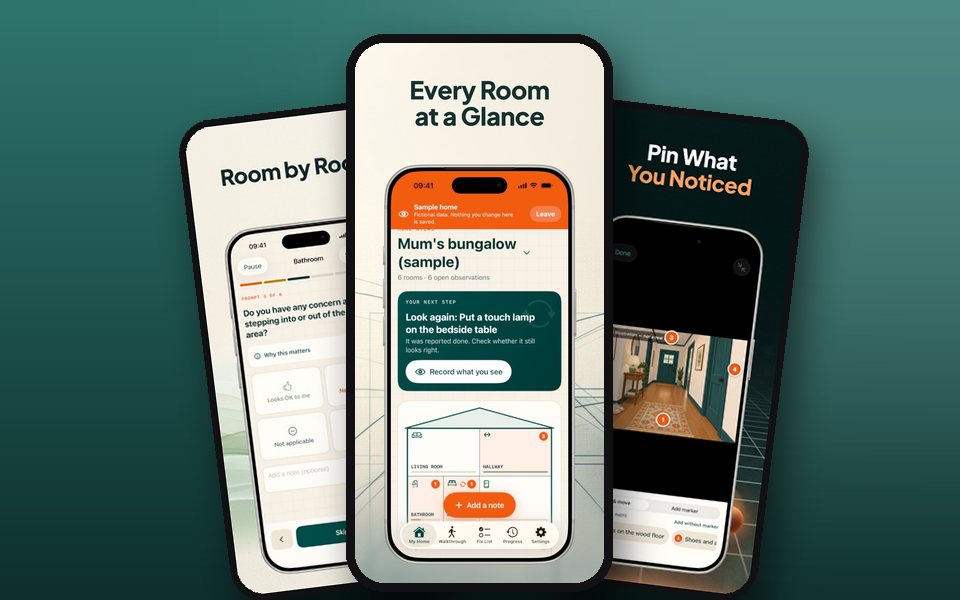
RoomMend: Safer Home Plans · Photograph a loose rail or another problem at home and add it to a room-by-room fix list.
Free to download in the U.S., Canada and the UK at the November 22, 2026 check. Compare local download prices in nine storefronts. Apple shows current prices and in-app purchases.
Requires iOS 18.0 or later. U.S. version 1.0.1 · Store details checked .
Try this first
Comparing a room before and after a repair? Open Same Spot to align two room photos and save a labeled comparison. The photos stay in your browser.
Take one photo, write the exact room and location, and add the next action. Start with an item like a squeaking hinge that someone else could locate from your note.
Free browser practice: A room-by-room fix list someone else can useWho it suits
Choose RoomMend to turn scattered photos into a repair list you can revisit by room.
View RoomMend on the App StoreSend someone this example
Share the first-use guide, including the free browser example.
Share a repair handoff
RoomMend appears in Plinth’s independent iOS collection.
Try Family Ready next
Keep a separate emergency contact card alongside the list of household repairs.
See Family Ready and its first stepsTry the free browser tool
Match the app to your goal
Choose an iPhone app for the next family task
Try a related challenge
See it in use
- Straight doorway clearance calculator · Interactive example
- Where to mark two hooks for a picture frame · Interactive example
- Watch the RoomMend preview · Short video